


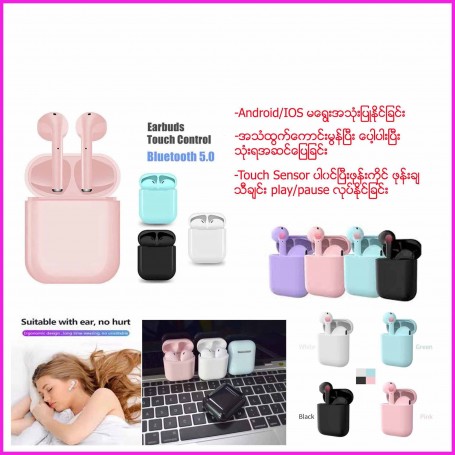


Advertising
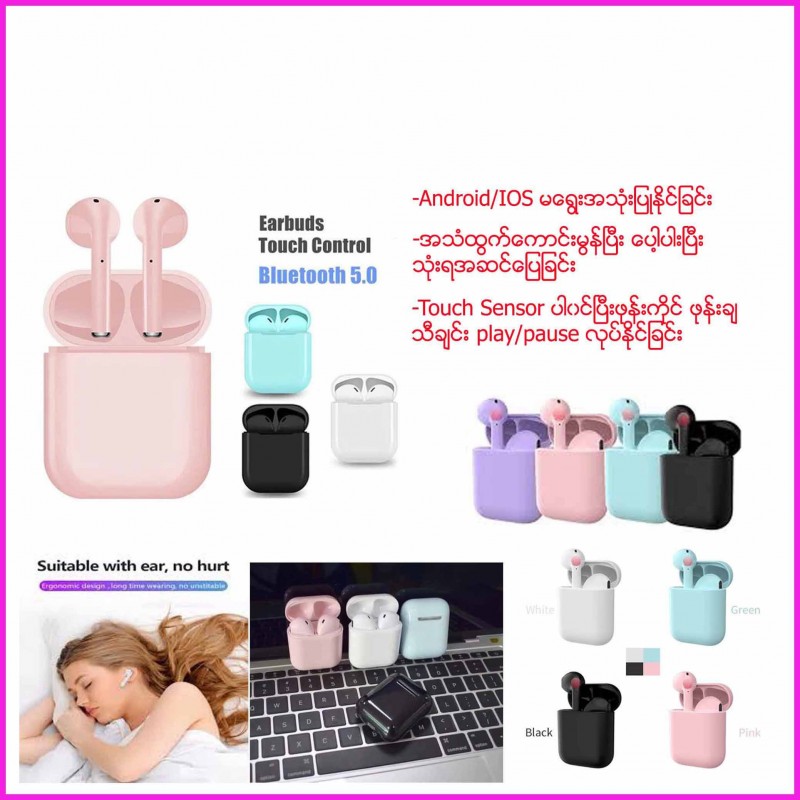
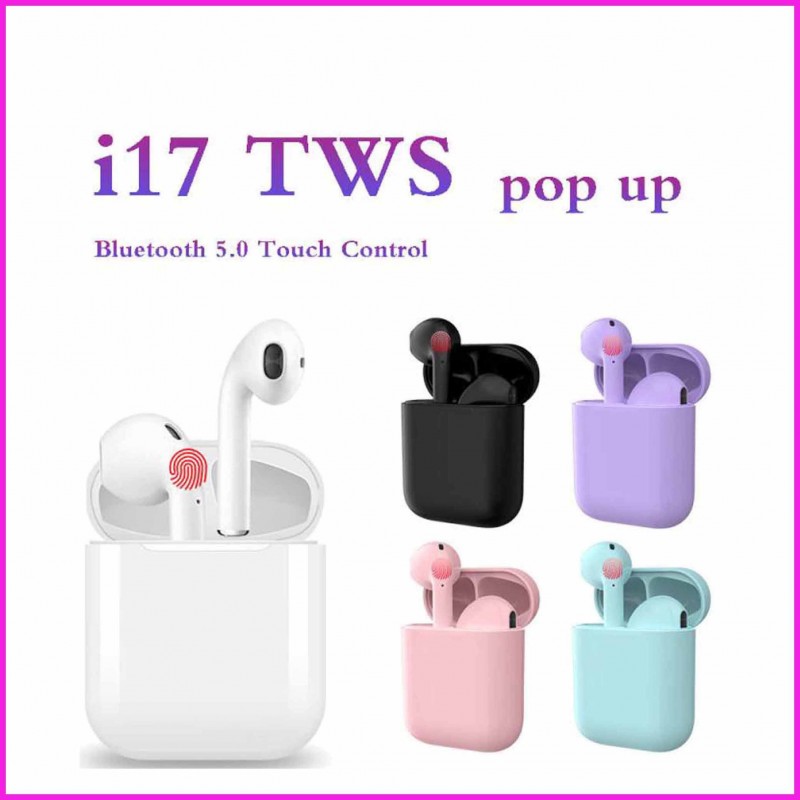
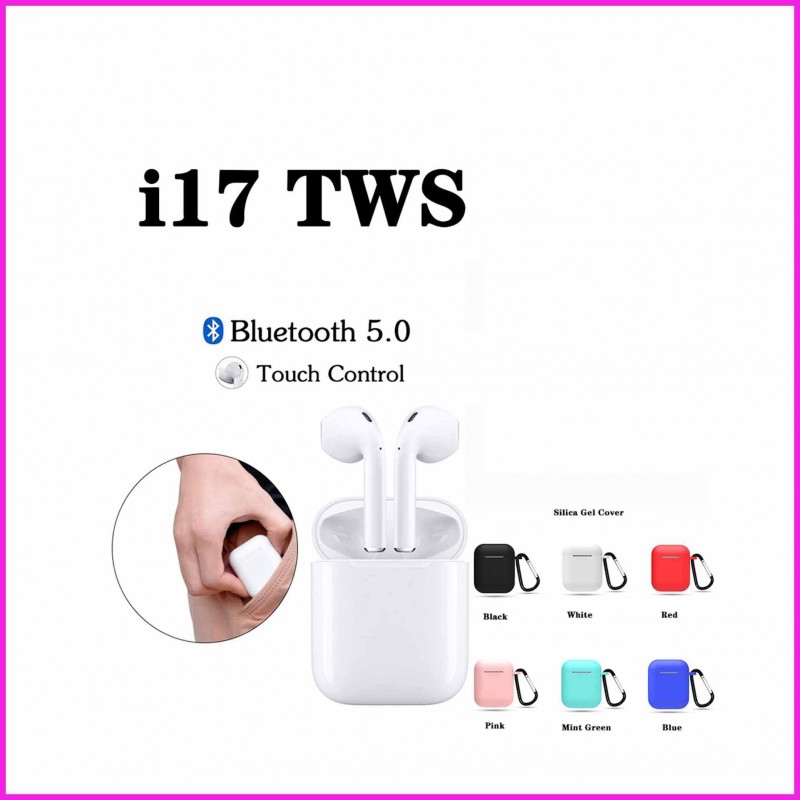



Bluetooth Earphone
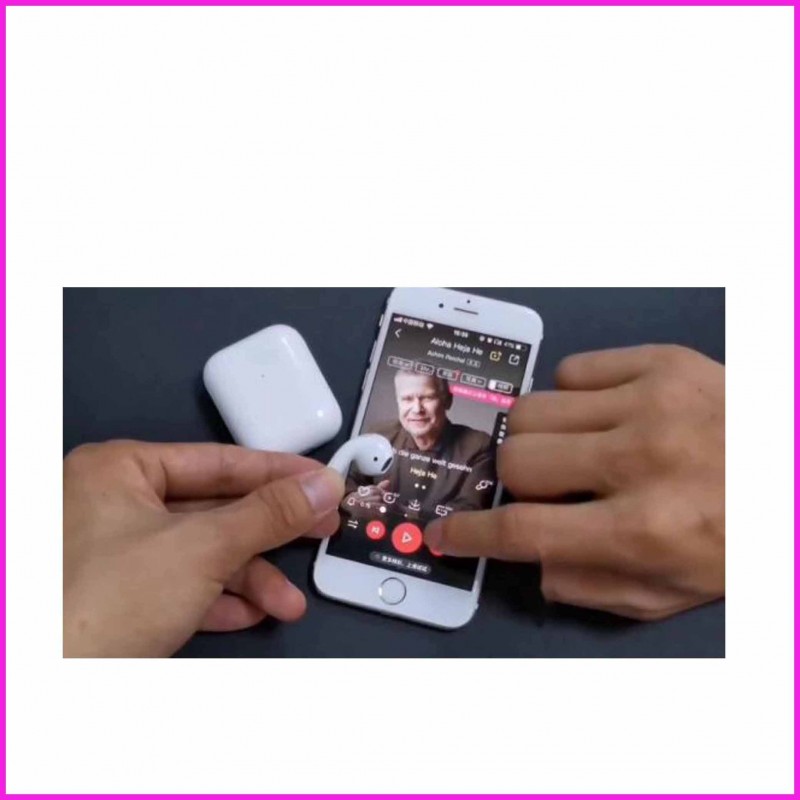
-The earphones are taken out from the charging compartment and automatically switched on automatically (ie, the?red and blue lights flash alternately, the headsets are successfully paired, and one of them is turned off)

In-Store Advertising
Description
-When the charging compartment is charging the earphone: the charging compartment blue light is on, the earphone red light is on, and the indicator light is off after the earphone is full.
- When charging the charging compartment with the data cable: the charging compartment indicator flashes, and the indicator light is always on when the battery is fully charged.
- shut down: The headset is automatically turned off when placed in the charging compartment (you can also manually touch any of the left and right headphones to shut down)
- wake up Siri: In the case of Bluetooth connection, the three-click headset function button wakes up Siri Tips: If the pairing data is cleared when the button is used, you can put it into the charging compartment and turn it off automatically. Then take it out and manually press and hold any one for two seconds, then release it and you will be automatically paired.
- Support the Apple mobile pop-up function supports the pop-up window! supports the pop-up window!supports the pop-up window.!